
English
AeroLightSE Manual
MODEL NAME
-
VSA100SE
-
VSA150SE
-
VSA200SE
-
VSAW400SE
-
VSA100SE-E25
-
VSA150SE-E25
-
VSA200SE-E25
-
VSAW400SE-E25
KEY FEATURES
VSA100SE/VSA150SE

-
2-IN-1 GROW LIGHT : Patented grow light design with integrated highly efficient circulation fan
-
BETTER CIRCULATION : Strategically placed central fan promotes exceptional air circulation, ensuring optimal CO2 levels and proper humidity control for your plants.
-
UNIFORM LIGHT & AIR : Innovative hollow light design and integrated wind guide ensure uniform light penetration and air circulation across your entire plant canopy.
-
SMART CONTROL : Smart settings for LEDs and fan such as sunrise/sunset and natural wind mode via the GrowHub Controller.
-
FULL SPECTRUM : Full-spectrum sunlike lighting with far-red lighting; offers greater spectral range and energy conversion for your plants with maximum PAR output at various distances.
-
FR-ENHANCED : High-efficiency white LEDs combined with precise 660nm deep red and 730nm far red LEDs to optimize plant growth.
VSA200SE/VSAW400SE

-
2-IN-1 GROW LIGHT : Patented grow light design with integrated highly reliable circulation fan.
-
BETTER CIRCULATION : With the central placement of the fan you have better air, CO2 circulation, and humidity
-
UNIFORM LIGHT & AIR : Creative light design and wind guide provide uniform light and wind on plants' canopy.
-
SMART CONTROL : Smart settings for LEDs and fan like sunrise/sunset and natural wind via the GrowHub Controller.
-
FULL SPECTRUM : Full-spectrum sunlike lighting with far-red lighting; offers greater spectral range and energy conversion for your plants with maximum PAR output at various distances.
-
FOLDABLE : Foldable design with 2 angle-adjustable wings provides various, flexible light coverage.
PRODUCT CONTENTS
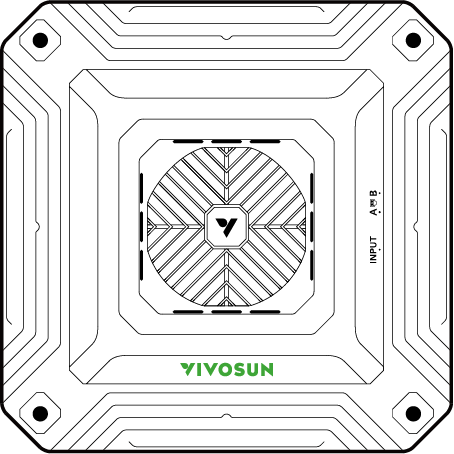
VSA100SE/VSA150SE
| Image | Name | Quantity |
|---|---|---|
|
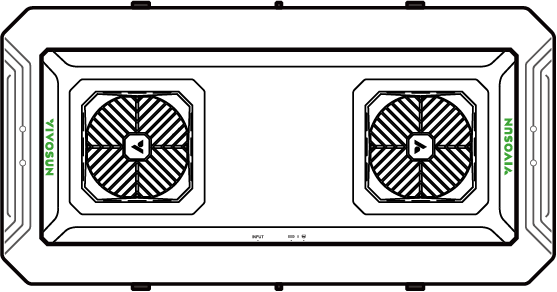
LED Light |
1pc |
|
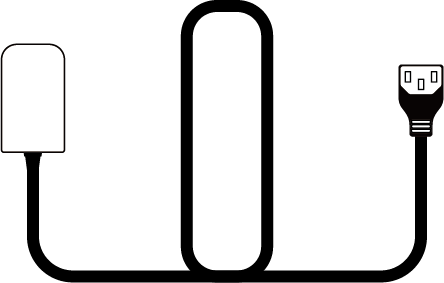
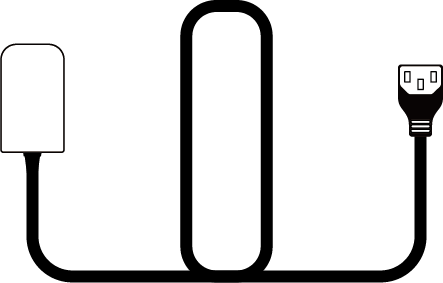
Power Cord |
1pc |
|
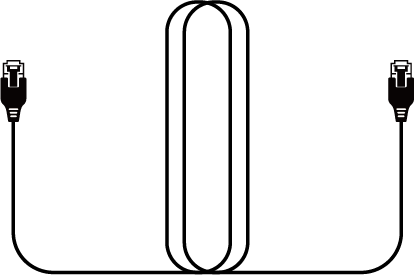
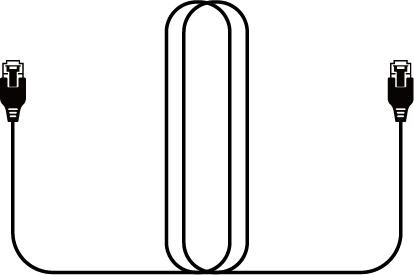
RJ45 Network Cable |
1pc |
|
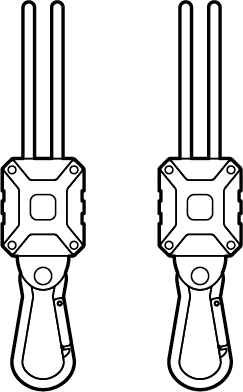
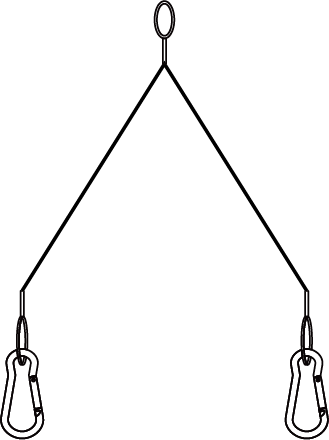
Rope Hanger |
2pcs |
|
Wire Ropes |
2pcs |
VSA100SE-E25/VSA150SE-E25
| Image | Name | Quantity |
|---|---|---|
|
LED Light |
1pc |
|
Power Cord |
1pc |
|
RJ45 Network Cable |
1pc |
|
Rope Hanger |
2pcs |
|
Wire Ropes |
2pcs |
|
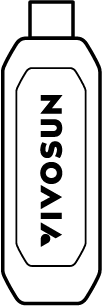
GrowHub E25 Controller |
1pc |
VSA200SE/VSAW400SE
| Image | Name | Quantity |
|---|---|---|
|
LED Light |
1pc |
|
Power Cord |
1pc |
|
RJ45 Network Cable |
1pc |
|
Rope Hanger |
2pcs |
|
Wire Ropes |
2pcs |
VSA200SE-E25/VSAW400SE-E25
| Image | Name | Quantity |
|---|---|---|
|
LED Light |
1pc |
|
Power Cord |
1pc |
|
RJ45 Network Cable |
1pc |
|
Rope Hanger |
2pcs |
|
Wire Ropes |
2pcs |
|
GrowHub E25 Controller |
1pc |
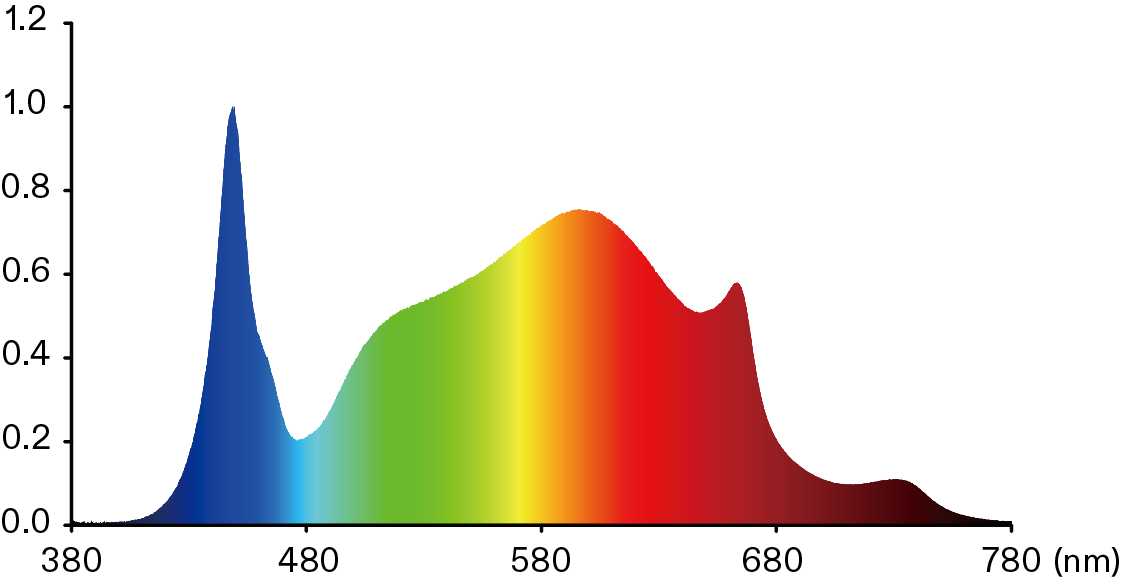
SPECTRUM
The AeroLight SE is a full-spectrum device, covering all stages of plant growth.
*The horizontal axis is wavelength
DIMENSIONS
-
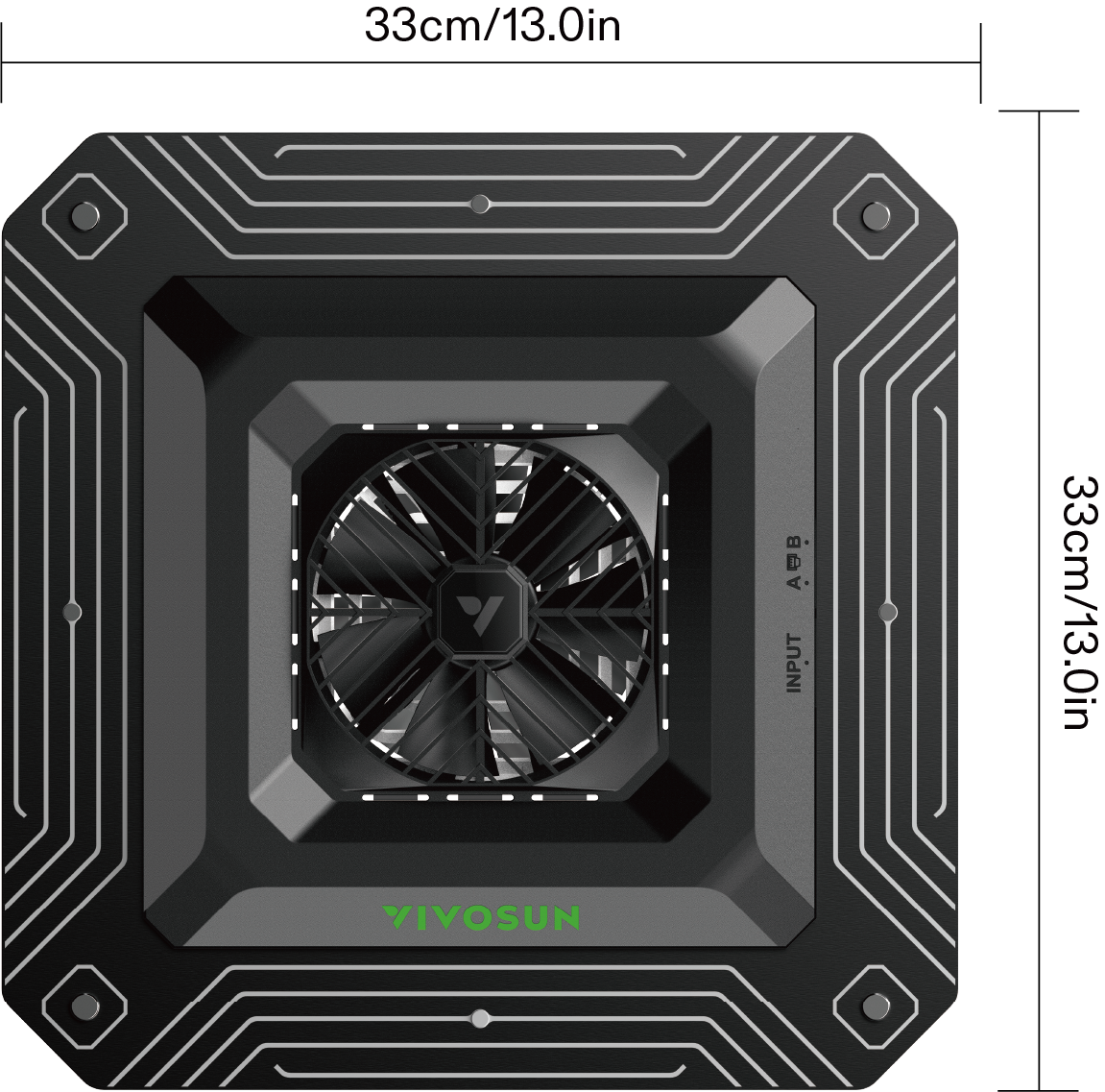
VSA100SE
|
|
Top View |
Side View |

-
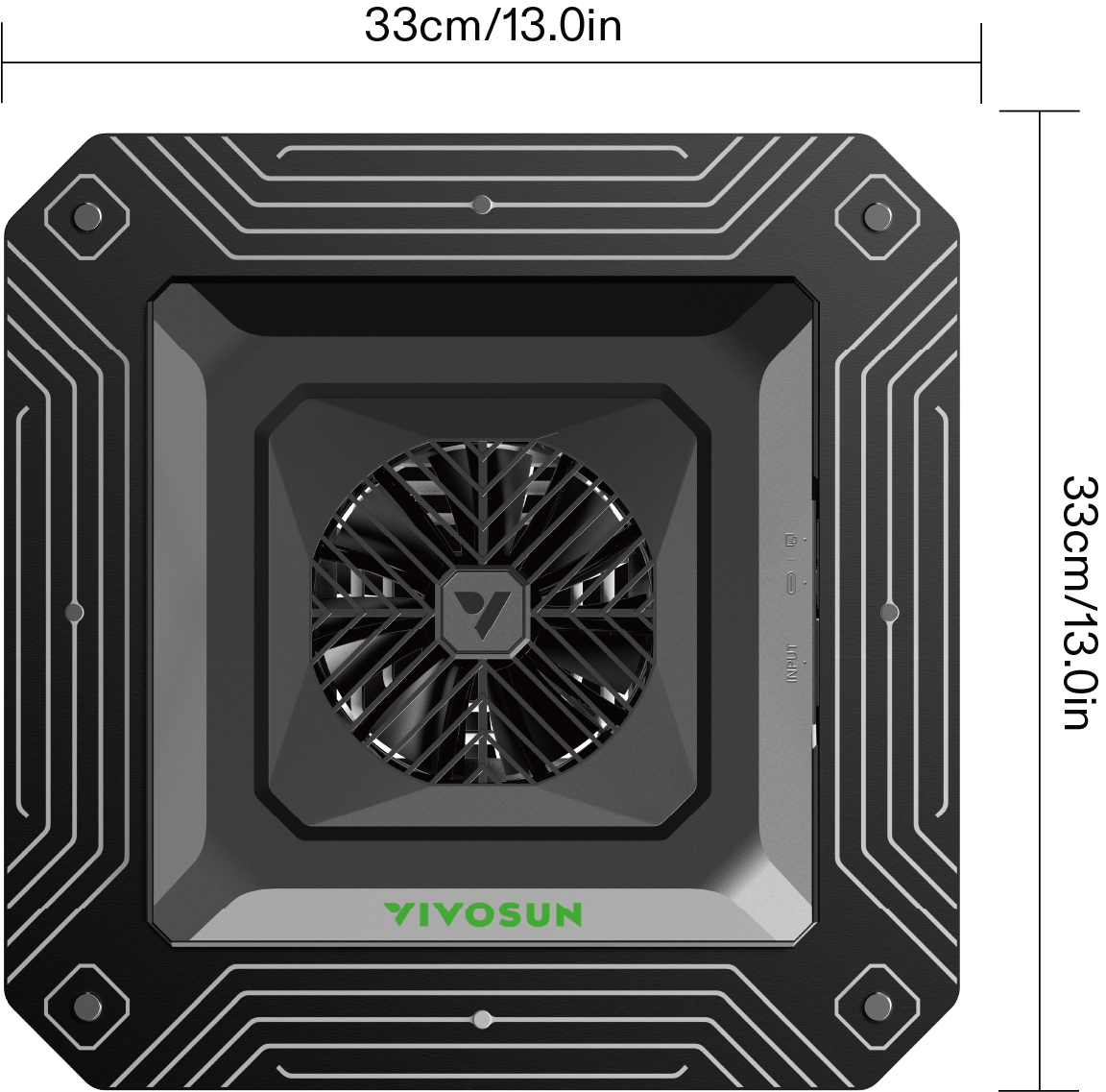
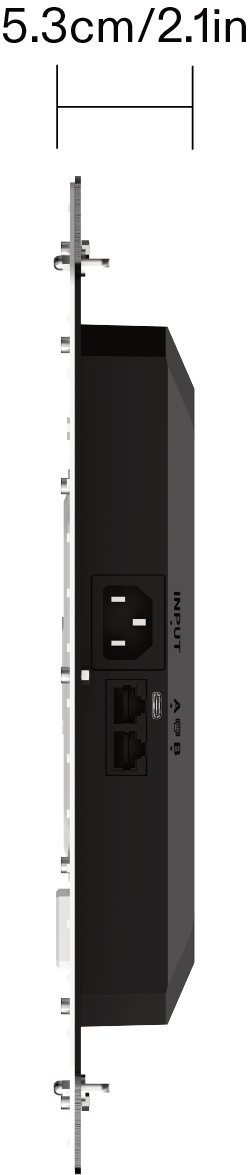
VSA150SE
|
|
Top View |
Side View |
-
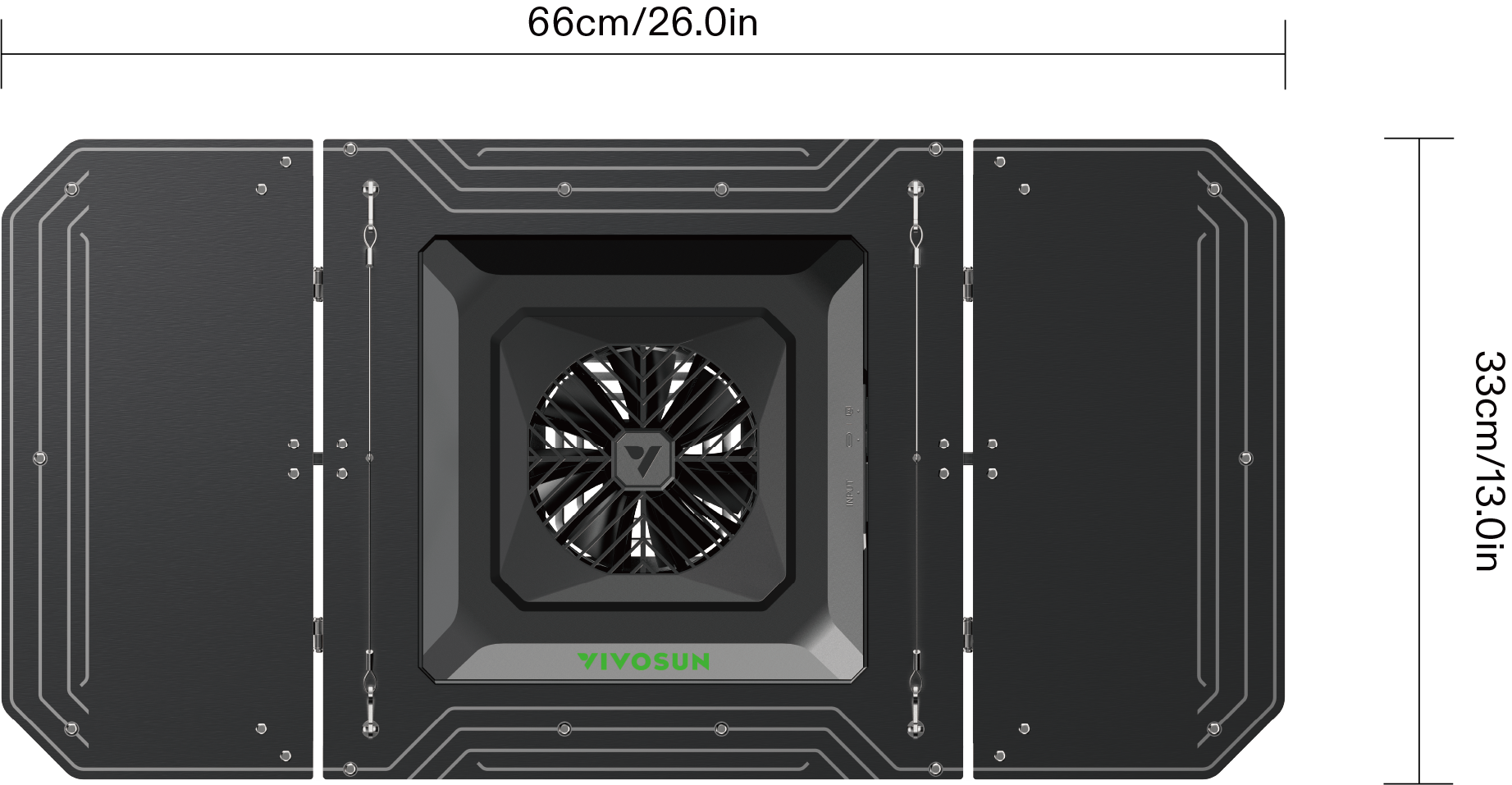
VSA200SE
|
Top View |
|
Side View |

-
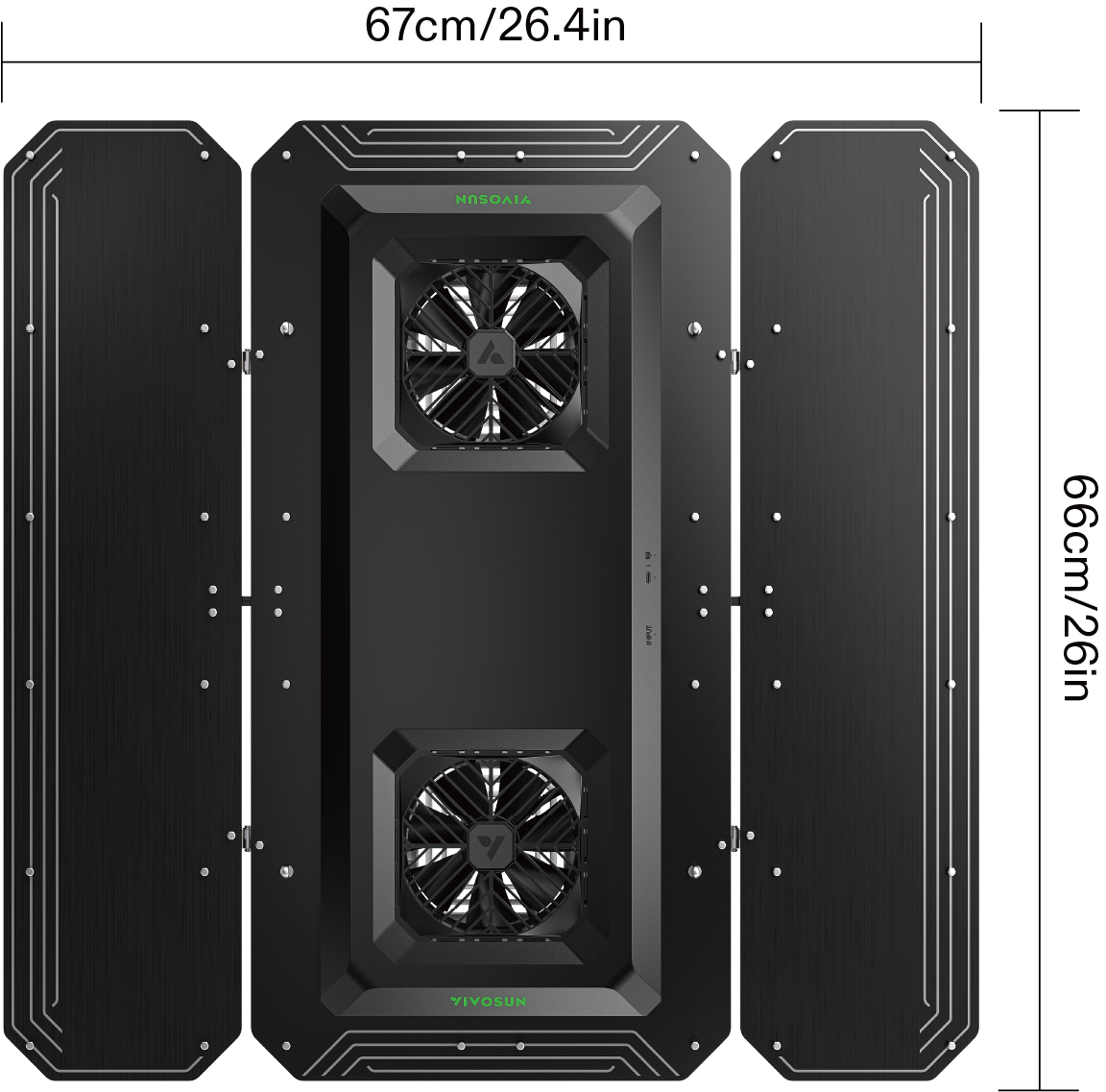
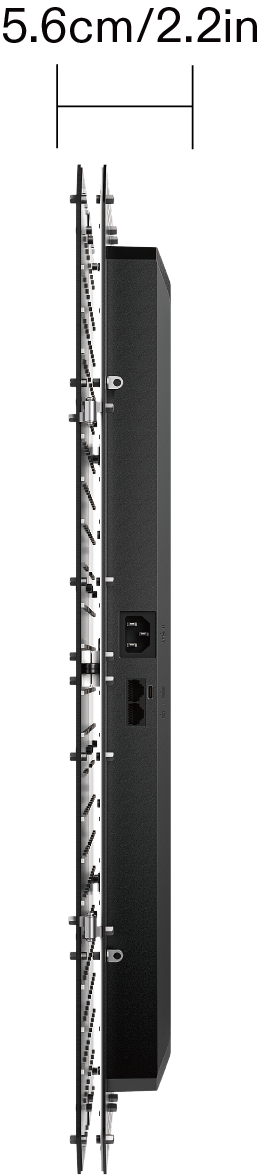
VSAW400SE
|
|
Top View |
Side View |
SPECIFICATIONS
| VSA100SE | VSA150SE | VSAW200SE | VSAW400SE | ||
|---|---|---|---|---|---|
Dimensions |
13''x13''x1.8'' 33cmx33cmx4.5cm |
13''x13''x2.1'' 33cmx33cmx5.3cm |
26''x13''x2.3'' 66cmx33cmx5.8cm |
26''x26.4''x2.2'' 66cmx67cmx5.6cm |
|
Weight |
5.1 lb./2.32 kg |
5.7 lb./2.58 kg |
6.9 lb./3.11 kg |
12.5lb./5.69kg |
|
Input Voltage |
120-240Vac/50-60Hz |
||||
Power Factor |
>0.9 |
||||
Input Power |
100W |
150W |
200W |
400W |
|
Light |
LED Source |
White with 660nm Deep Red & 730nm Far Red |
|||
Spectrum |
Full spectrum; 380nm-780nm, rich 660nm |
||||
Light Distribution |
120° |
Adjustable |
|||
Dimming |
GrowHub: 25%/50%/75%/100%/OFF Vivosun APP: 25%-100%/OFF |
||||
Daisy Chaining |
14 |
14 |
7 |
12 |
|
Lifespan |
>50,000 hours |
||||
Fan |
Bearing |
Dual Ball Bearing |
|||
Speed |
2200 RPM. |
||||
Airflow |
84 CFM |
168 CFM |
|||
Noise Level |
33 db(A) |
66 db(A) |
|||
Certifications |
ETL,CE,FCC and IP65 |
||||
INSTALLATION
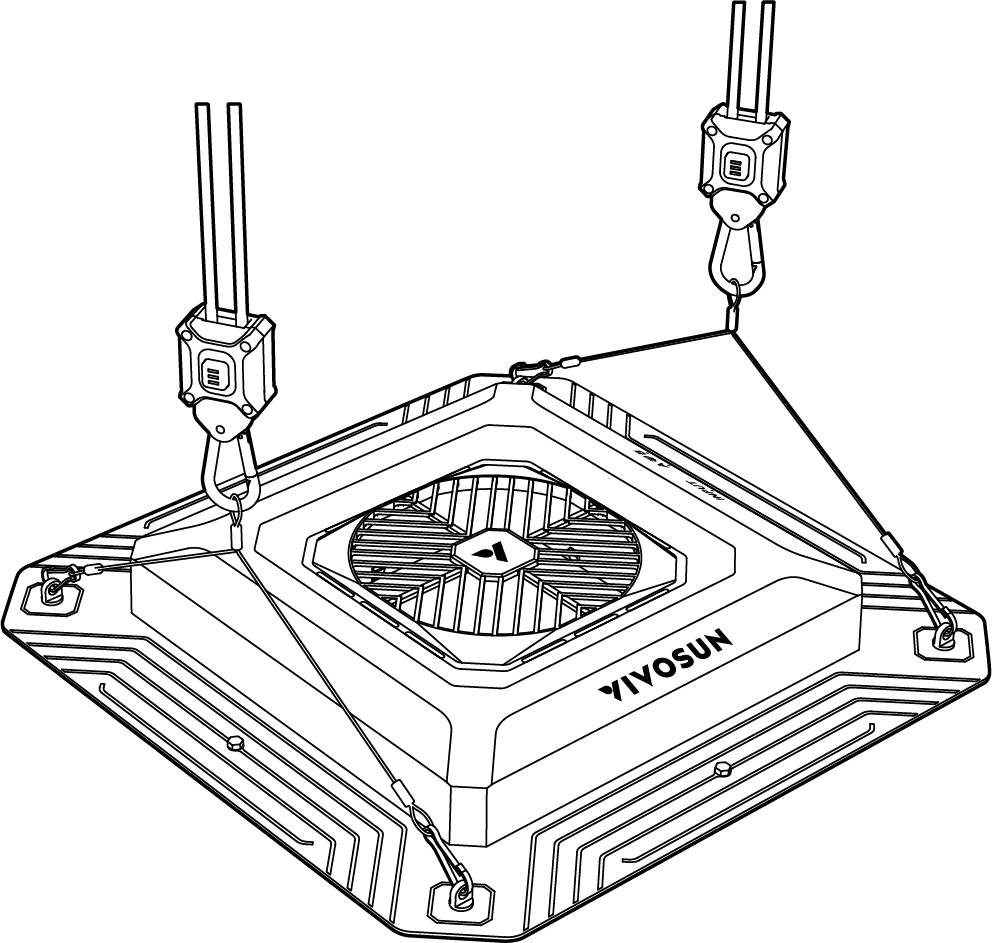
STEP 1
Attach the wire ropes to the frame of the AeroLight SE. Next, clip the carabiners of the rope hangers to the wire ropes.
STEP 2
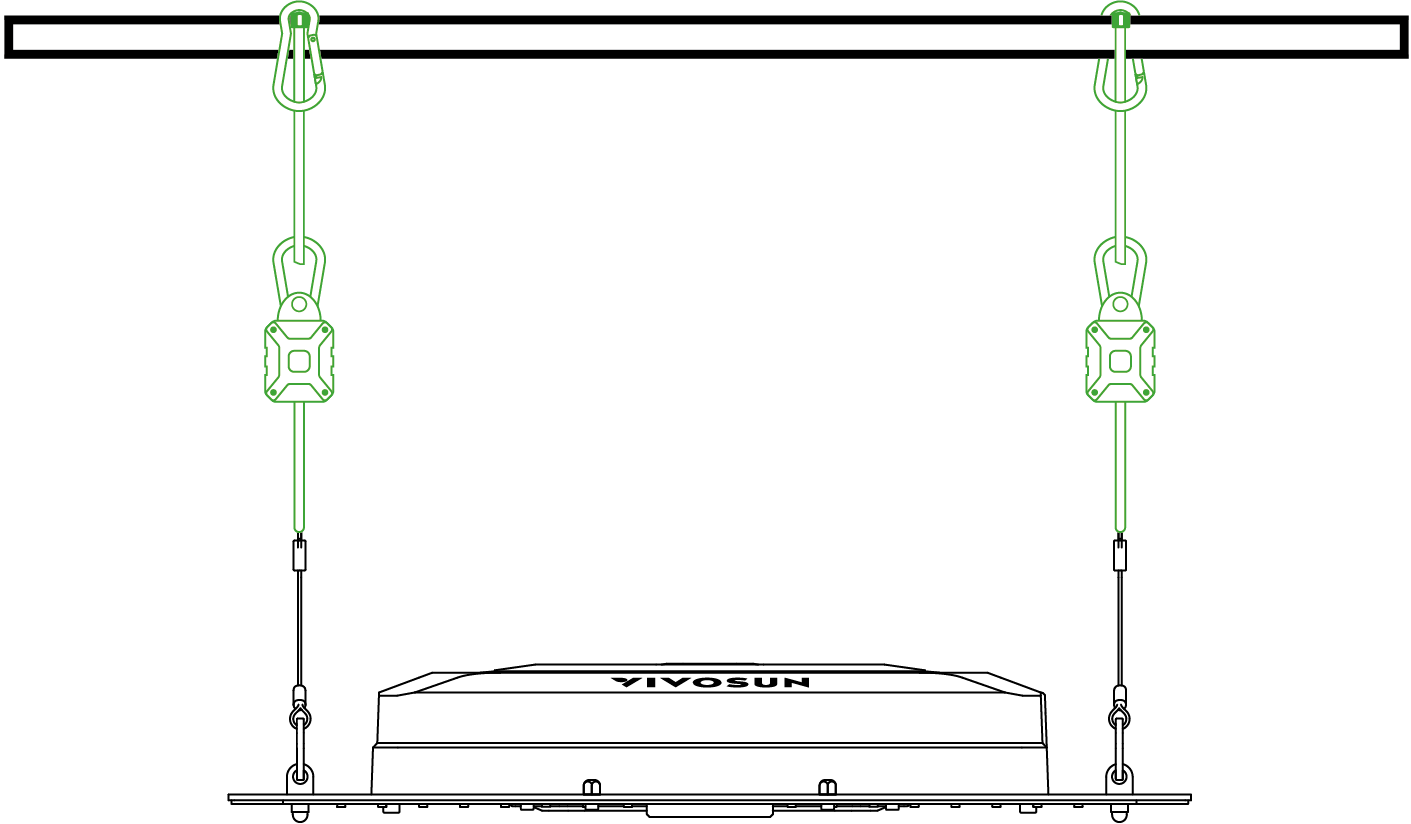
Loop the other end of the rope hangers around the crossbeam as shown in the diagram. Lock the carabiners to the rope to secure the grow light to the pole.
STEP 3
Adjust the height of your grow light by pressing the buttons on the rope hangers and lifting until you find the correct height for your grown light .
STEP 4
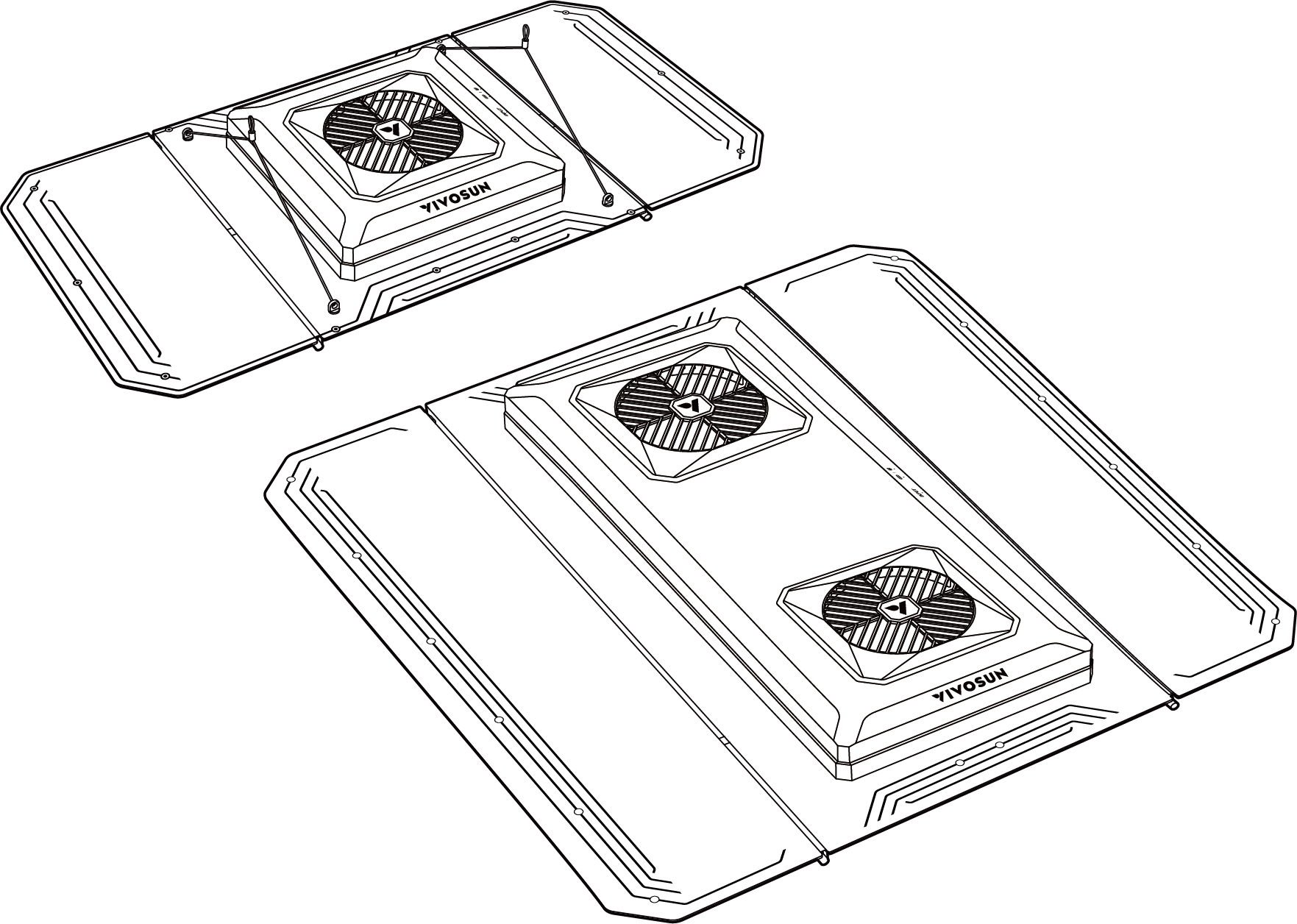
For VSA200SE & VSAW400SE, please unfold the light board and adjust to an appropriate angle.
VSA200SE/VSAW400SE
ADJUSTING THE LIGHT DISTRIBUTION
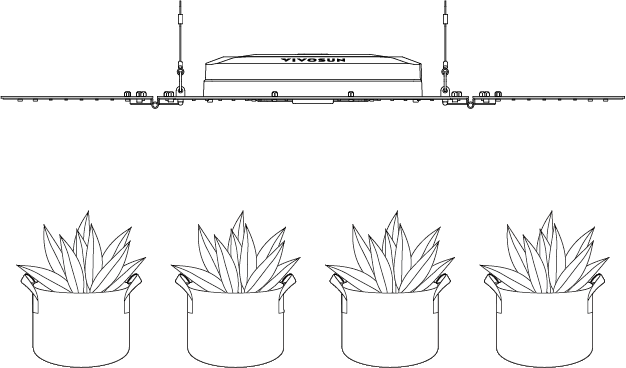
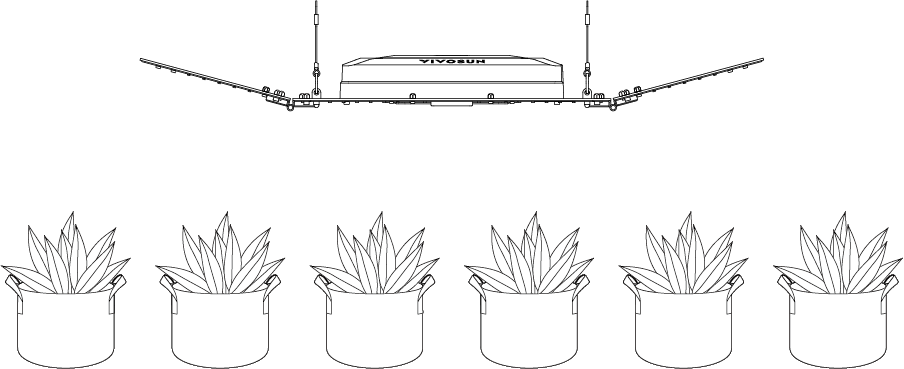
Adjust the angle of the light board on the side to change the light distribution for larger coverage or higher light intensity for different grow stages.
|
STANDARD |
Standard light coverage and uniformity |
|
WIDTH |
Larger light coverage with more light for plants on the sides of your lights through improved coverage area. Better for seedling and vegetative stages of growth. |
|
NARROW |
Higher light intensity with smaller light coverage. Better for the flowering stage of growth. |

Connection to Controller and Multiple Lights
Connect multiple AeroLight SE lights with RJ45 cables, and the first light to a Vivosun GrowHub E42A+/E42A/E25 controller to control all the lights for dimming, and ON/OFF cycle setting.
Each light needs to connect to the AC power separately and the GrowHub controller only needs to connect to one AeroLight SE to run.

When connecting to E42A/E42A+, please ensure your Aerolight is connected to the RJ45 port orType C to RJ11 & RJ45 coverter, using a standard RJ45 cable. When connecting to E25, please use the Type-C port.
|
|
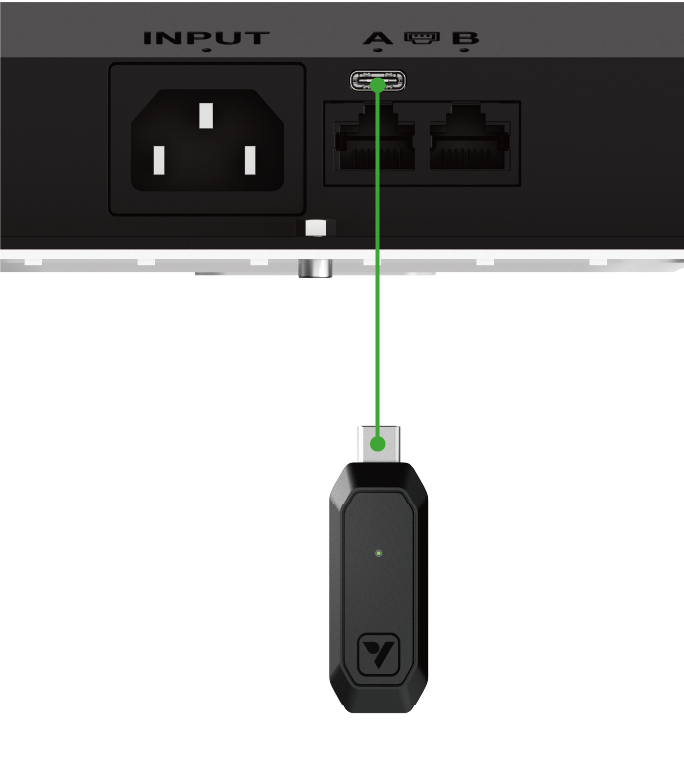
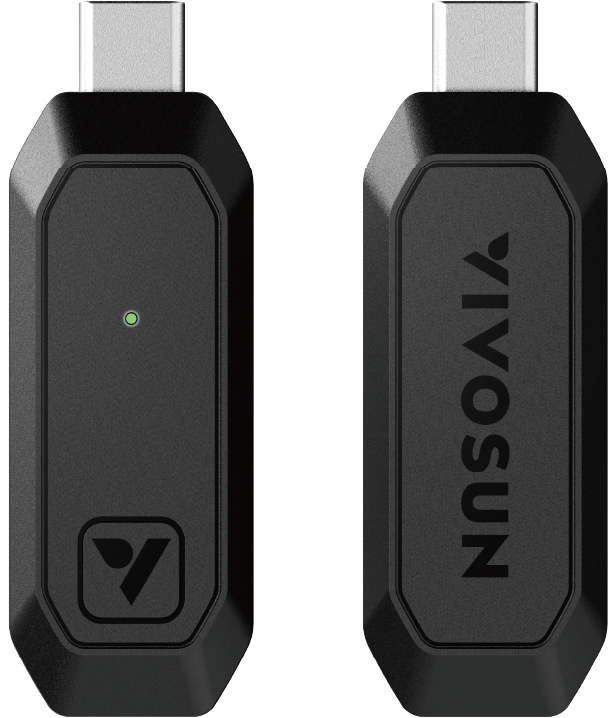
When connecting to E25, please insert E25 to the type C port of AeroLight SE. E25 will enter Wi-Fi configuration mode automatically.
Please see the Vivosun GrowHub manuals for more details about connection methods.
GrowHub E25 Manual :
GrowHub E42A Manual :
GrowHub E42A+ Manual :
APP Control
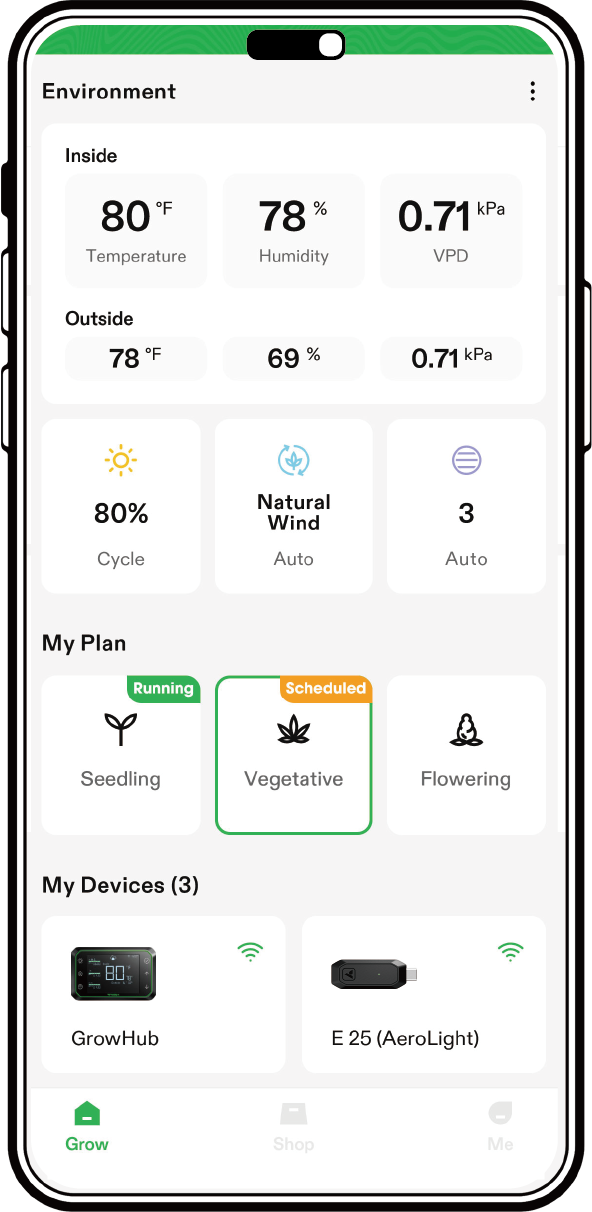
Search "VIVOSUN" in the Apple App Store or in the Google Play Store to download the VIVOSUN App. With the VIVOSUN App, you can check and control your AeroLight SE from anywhere in the world—whether you are on your couch, visiting your family, or traveling abroad.
-
Remote control the devices with manual or cycling mode.
-
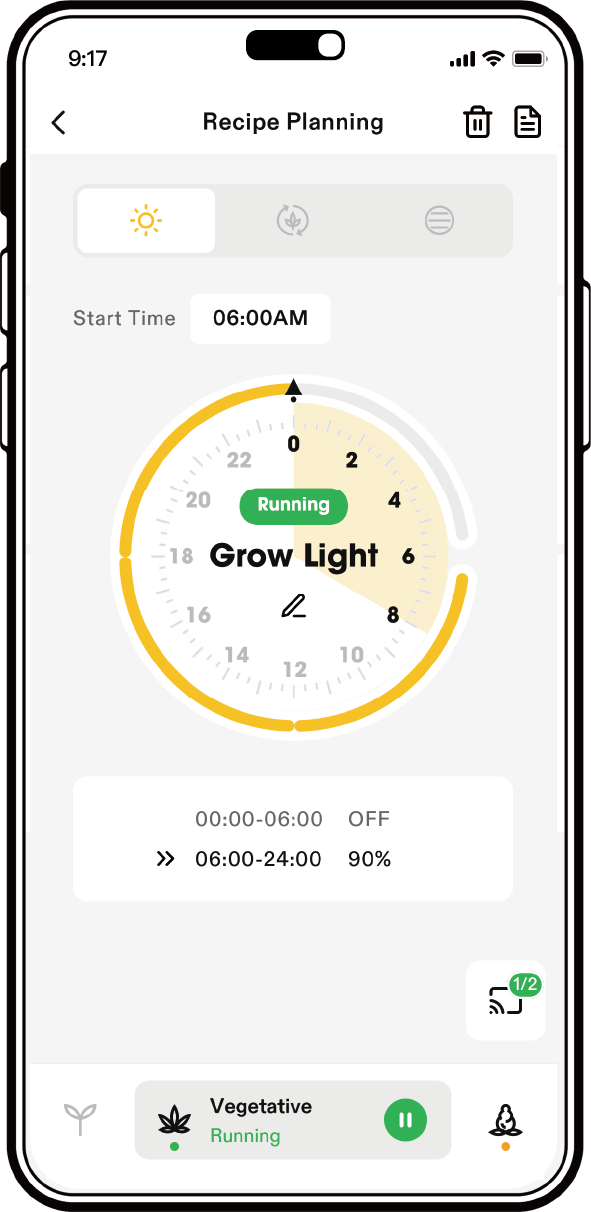
Grow Recipes: Enables you to set your lights, circulation fans, and duct fans based on different growth stages. The recipes provided in the VIVOSUN App are created by professional growers. All you have to do is click "apply" and the VIVOSUN SGS with take care of the rest.
Wi-Fi Configuration
During Wi-Fi configuration, the Green LED will flash quickly. Follow the Wi-Fi configuration instructions on the VIVOSUN App – Make sure there is a 2.4G Wi-Fi connection and that Bluetooth is enabled on your phone. The controller is not compatible with a 5G Wi-Fi connection.
STEP 1: |
STEP 2: |
|
|
STEP 3: |
STEP 4: |
|
|
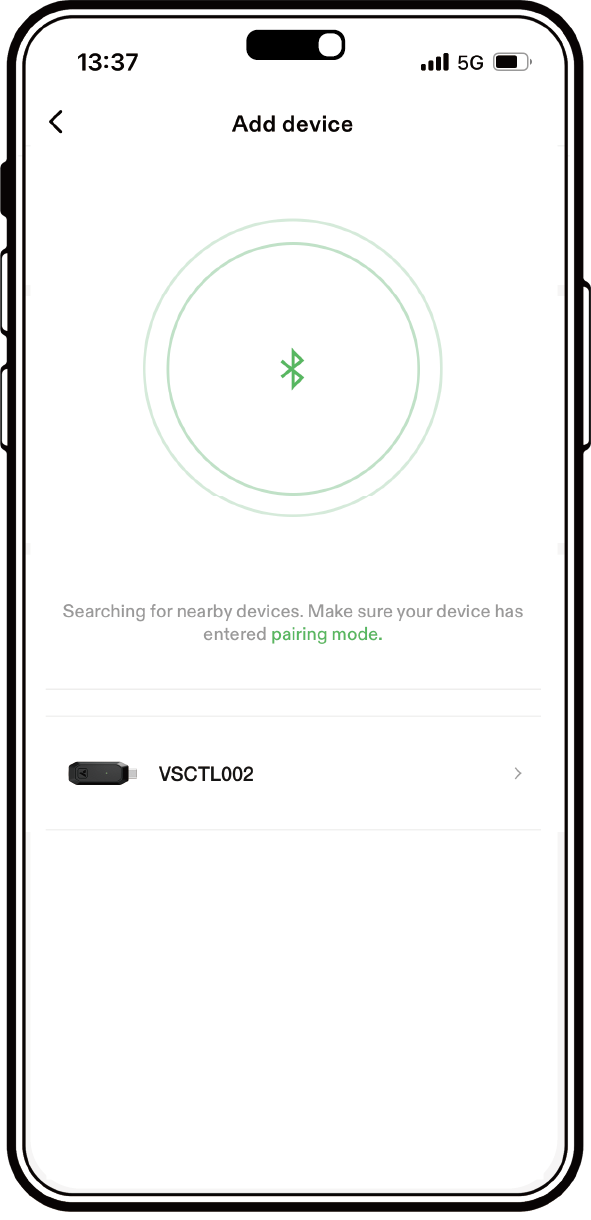
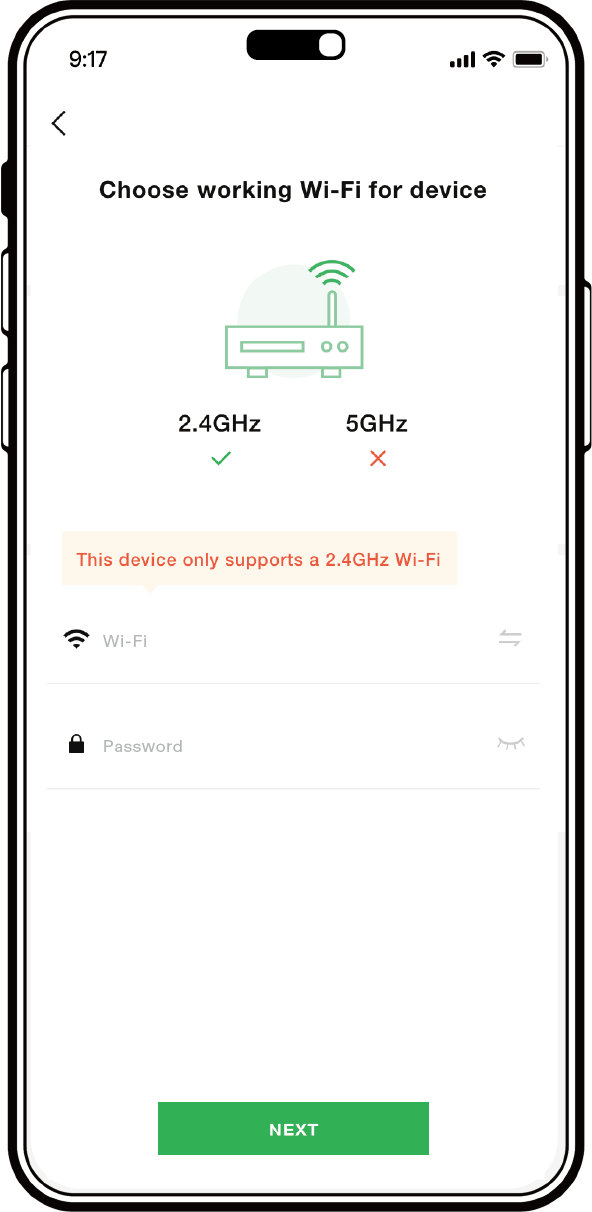
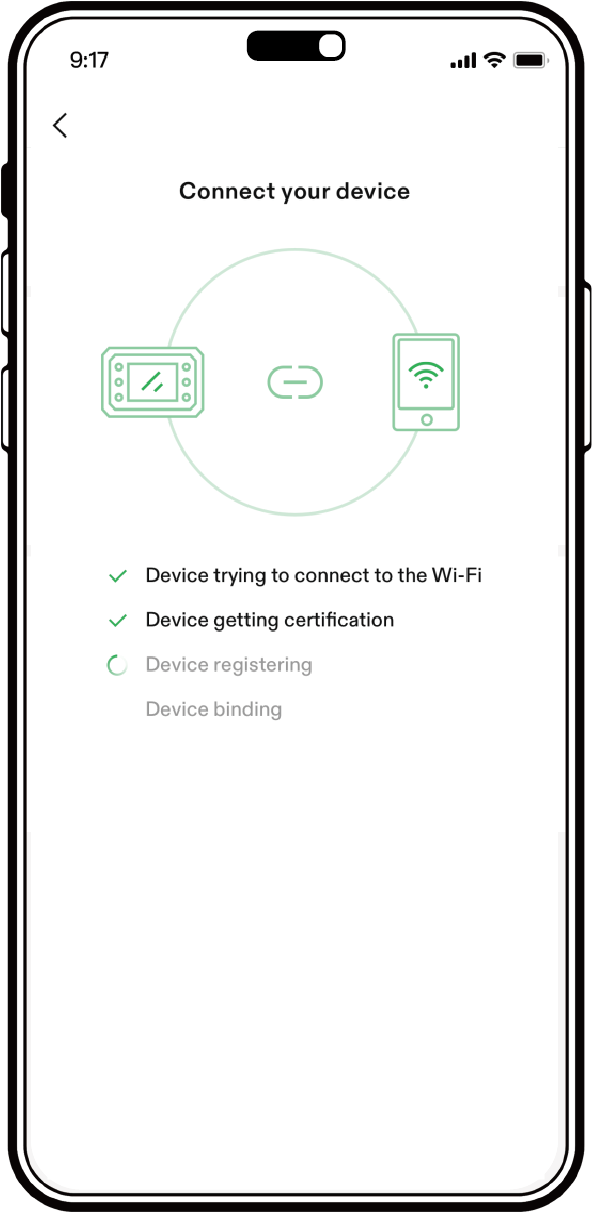
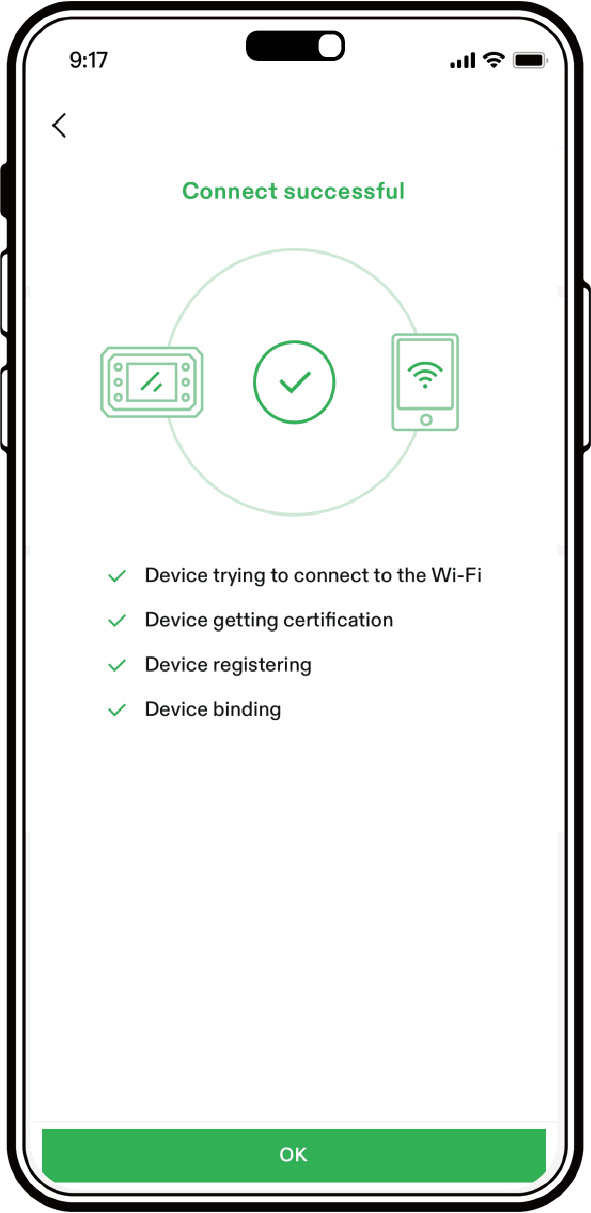
After Wi-Fi has been successfully configured, the green LED will stop flashing.
A slowly flashing green LED indicates the E25 controller is offline. This means it is not connected to a Wi-Fi network or there is no internet access.
The green LED will continue flashing slowly until a Wi-Fi connection is established.
Status Indicator
Briefly press the button. If the E25 is functioning properly, the green LED will flash slowly three times.
Reset
Long press the button for 3 second until the green LED is on, then release the button. The green LED will turn off and reset successfully. E25 will restart and enter Wi-Fi configuration mode.
OTA
The green LED will flash fast during OTA.
APPLICATION
SUGGESTED HANGING DISTANCE & LIGHTING TIME
Product |
Seedling |
Veg |
Early Flower |
Late Flower |
Tent Size |
|
PPFD Target |
150-250 |
300-500 |
500-700 |
700-1000 |
||
Time |
18h |
18h |
12h |
12h |
||
VSA100SE |
Distance |
24" |
18" |
12" |
12" |
2’x2' |
Dimming Level |
50% |
75% |
75% |
100% |
||
VSA150SE |
Distance |
24" |
18" |
14" |
14" |
2’x2' |
Dimming Level |
25% |
50% |
75% |
100% |
||
VSA200SE |
Distance |
24" |
18" |
12" |
12" |
2’x4' |
Dimming Level |
50% |
75% |
75% |
100% |
||
VSAW400SE |
Distance |
24" |
20" |
14" |
14" |
4’x4' |
Dimming Level |
50% |
75% |
75% |
100% |
||
Distance: Light to canopy distance. |
||||||
Set the LED power on high and place the light further away from your plants to cover a wider area, or set the LED at a lower power and place the light closer to your plants for less coverage but higher energy efficiency
Warranty
VIVOSUN offers a 5-year limited warranty on this product, purchased directly from us or our authorized dealers, beginning on the original date of purchase.
Year 1-2: Full Coverage (free repair, shipping and replacement)
Year 3-5: Limited Coverage (repair, shipping, replacement or trade-in available, with depreciation costs borne by the customer)
This warranty is provided in addition to, and does not affect, your statutory rights under applicable consumer protection laws in the country where the product was purchased.
For the full Warranty Policy, please visit: https://www.vivosun.com/help/warranty-policy
Alternatively, you may contact customer service at support@vivosun.com / +1 888-505-8486.
WARNING
-
This appliance can be used by children aged 8 years and above, as well as by individuals with reduced physical, sensory, or mental capabilities, or those lacking experience and knowledge, provided they have been supervised or instructed on the safe use of the appliance and understand the associated hazards.
-
Children should not play with the appliance.
-
User maintenance should not be carried out by children without supervision.
-
Keep the appliance and its cord out of reach of children under 8 years old.
-
If the supply cord is damaged, it must be replaced by the manufacturer, its service agent, or similarly qualified persons to avoid a hazard.
-
Never touch the plug or outlet if your hands are wet.
-
Use only the cable provided with the device.
-
Acceptable operating temperatures range from -20°C to 40°C (-4°F to 104°F).
-
Don’t place the device in the microwave.
-
Avoid looking directly at the lights when they are turned on.
-
Do not insert objects into the fan blades.
-
Don’t cover the fan or spray anything on it.
-
Don’t insert fingers or objects into the gaps between the light boards.
-
Avoid touching the LED diodes when adjusting the light board.
-
Don’t adjust the angle of the light board beyond the specified limits (Aerolight Wing).
-
Don’t use water or any detergent to clean the product.
DO NOT dispose of this product with your regular trash. Electrical appliances contain hazardous materials that can harm the environment if not disposed of properly.
Please contact your local government for information on nearby drop-o centers or recycling programs that accept electronic waste.
FCC ID STATEMENT
The GrowHub E25 controller complies with part 15 of the FCC Rules. Operation is subject to the following two conditions:
(1) This device may not cause harmful interference, and (2) this device must accept any interference received, including interference that may cause undesired operation.
NOTE: This equipment has been tested and found to comply with the limits for a Class B digital device, pursuant to part 15 of the FCC Rules. These limits are designed to provide reasonable protection against harmful interference in a residential installation. This equipment generates, uses and can radiate radio frequency energy and, if not installed and used in accordance with the instructions, may cause harmful interference to radio communications. However, there is no guarantee that interference will not occur in a particular installation. If this equipment does cause harmful interference to radio or television reception, which can be determined by turning the equipment off and on, the user is encouraged to try to correct the interference by one or more of the following measures:
-Reorient or relocate the receiving antenna.
-Increase the distance between the equipment and receiver.
-Connect the equipment into an outlet on a circuit different from that to which the receiver is connected.
-Consult the dealer or an experienced radio/TV technician for help.
Warning: Changes or modifications not expressly approved by the party responsible for compliance could void the user’s authority to operate the equipment.
Contents

We help you grow your best green.

We provide the highest quality.

We relentlessly pursue the future.

We make growing more enjoyable.

We support every grower.
Sign up and get 8% off your first order
©2026 Vivosun All Rights Reserved