


English
AeroStream USB Humidifier Manual
MODEL NAME
-
VSE-ASU075
SAFETY INFORMATION
Please read the following information carefully before using. Failure to observe these safety instructions may result in serious injury and will release Vivosun of all liability and void all product warranties.
-
Fill the water tank and allow the cotton core to fully saturate before using the humidifier. DO NOT operate the humidifier without water.
-
To prevent clogging and damage, do not use oils, perfumes, distilled water, or filtered water.
-
This humidifier features an automatic shut-off function when the water level is too low. To resume operation, simply refill the water tank to the maximum fill line and restart the humidifier.
-
When cleaning, do not rinse the product directly under running water to prevent potential short circuiting. Use a soft, damp cloth to wipe down the surface instead.
-
Please use a standard & certificated adapter. Otherwise it will cause a short circuit and catch fire.
-
PIease keep the cord away from heated surfaces.
-
PIease point the mist away from electrical outlets.
-
If your product is damaged, cease operation immediately and contact us for service. Disassembly or modification without Vivosun’s express permission may cause damage and will void the warranty.
KEY FEATURES
|
|
-
Large Capacity : Equipped with a 750ML water tank, this humidifier delivers up to 28 hours of continuous misting.
-
Two Mist Modes : Users can select between either continuous or intermittent mist mode.
-
Automatic shut-off : Features a built-in water level sensor. If the water level drops too low, the sensor automatically triggers the auto-shutoff mechanism.
-
Compatible with VGrow : Integrates with your Vivosun Smart Grow Box for convenient control through the Vivosun App
-
Designed for Growers : Automatically turns on when powered and turns off when power is disconnected. Users can flexibly set humidity trigger settings
-
Portability : Mini size and large capacity make it suitable for various usage scenarios.
PRODUCT CONTENTS
| Image | Name | Quantity |
|---|---|---|
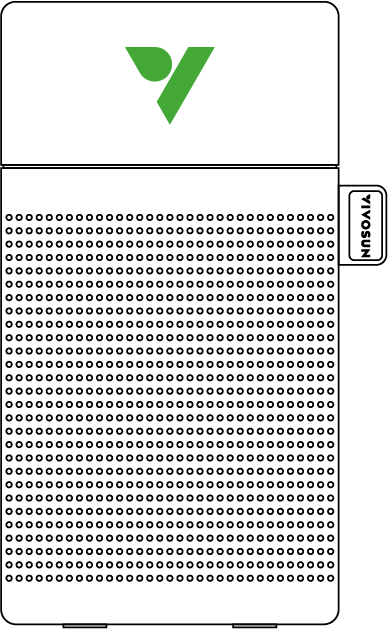
Humidifier |
1PC |
|
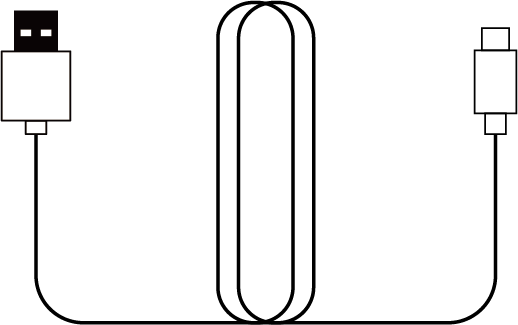
|
USB-Type C Cable |
1PC |

|
Replaceable Cotton Wick |
1PC |
|
|||
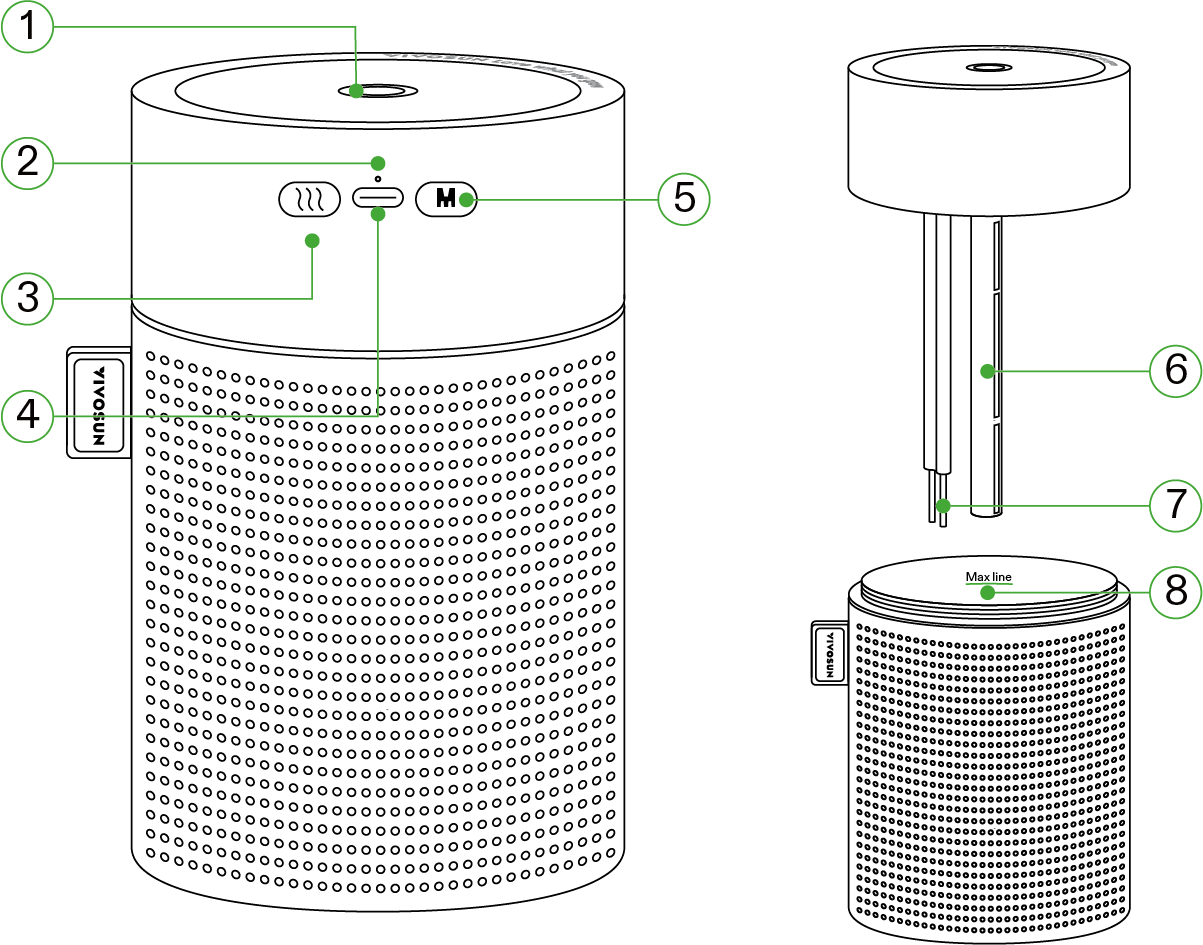
① |
Mist Outlet |
⑤ |
Power Button |
② |
Indicator Light |
⑥ |
Cotton Wick |
③ |
Spray Button |
⑦ |
Probe |
④ |
Type-C |
⑧ |
Maximum Water Line |
SPECIFICATIONS
Dimensions |
3.8*3.8*7.0 inches |
Tank Capacity |
750mL |
Spray Output |
30-50mL/Hour |
Input Voltage |
DC 5V |
Working Power |
1.5W±0.3W |
Spray Modes |
Continuous & Intermittent |
Operating Time |
18h for Continuous Spray & 28h for Intermittent Spray |
Noise Level |
<28dB(A) |
Cable Length |
1.5m |
OPERATION
Spray Button : A single press of the spray button while the humidifier is operating allows you to switch between continuous and intermittent mist modes. Memory function remembers your last used mist mode and automatically resumes it upon power-up.
Power Button : Press and hold the power button for 3 seconds when the humidifier is plugged in to turn it on or off.
Indicator Light : When you turn on the humidifier, the indicator light will light up for 3 seconds to show it’s operating properly. Hold the power button for 3 seconds to turn off the humidifier. The indicator light will blink 3 times quickly to signal it’s shutting down.
Water Level Sensor : Features an automatic shut-off mechanism that activates when the water level in the tank drops below the minimum level indicated by the water level sensor.
INSTALLATION
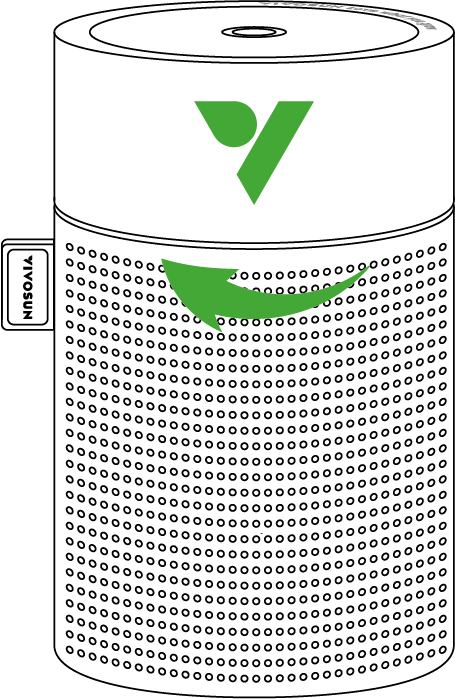
STEP 1
Loosen the top cover by rotating it counterclockwise .
STEP 2
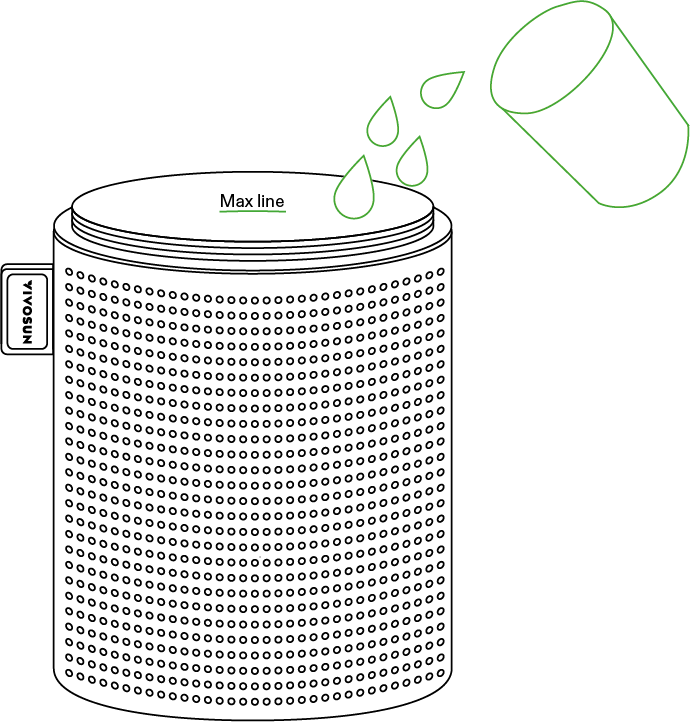
Fill the water tank up to the maximum water level mark.
STEP 3
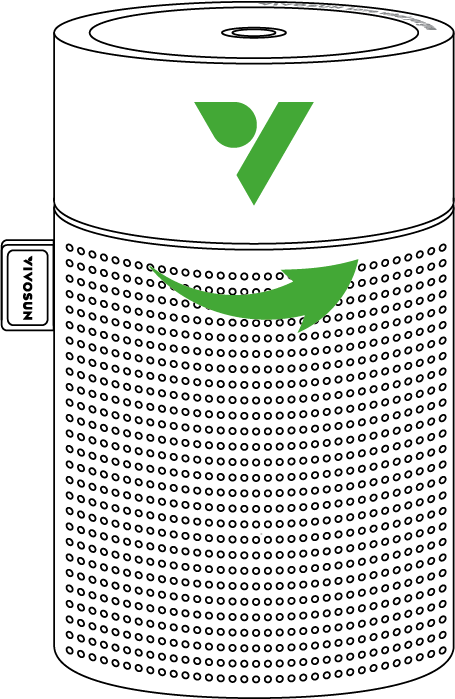
Tighten the top cover by rotating it clockwise.
STEP 4
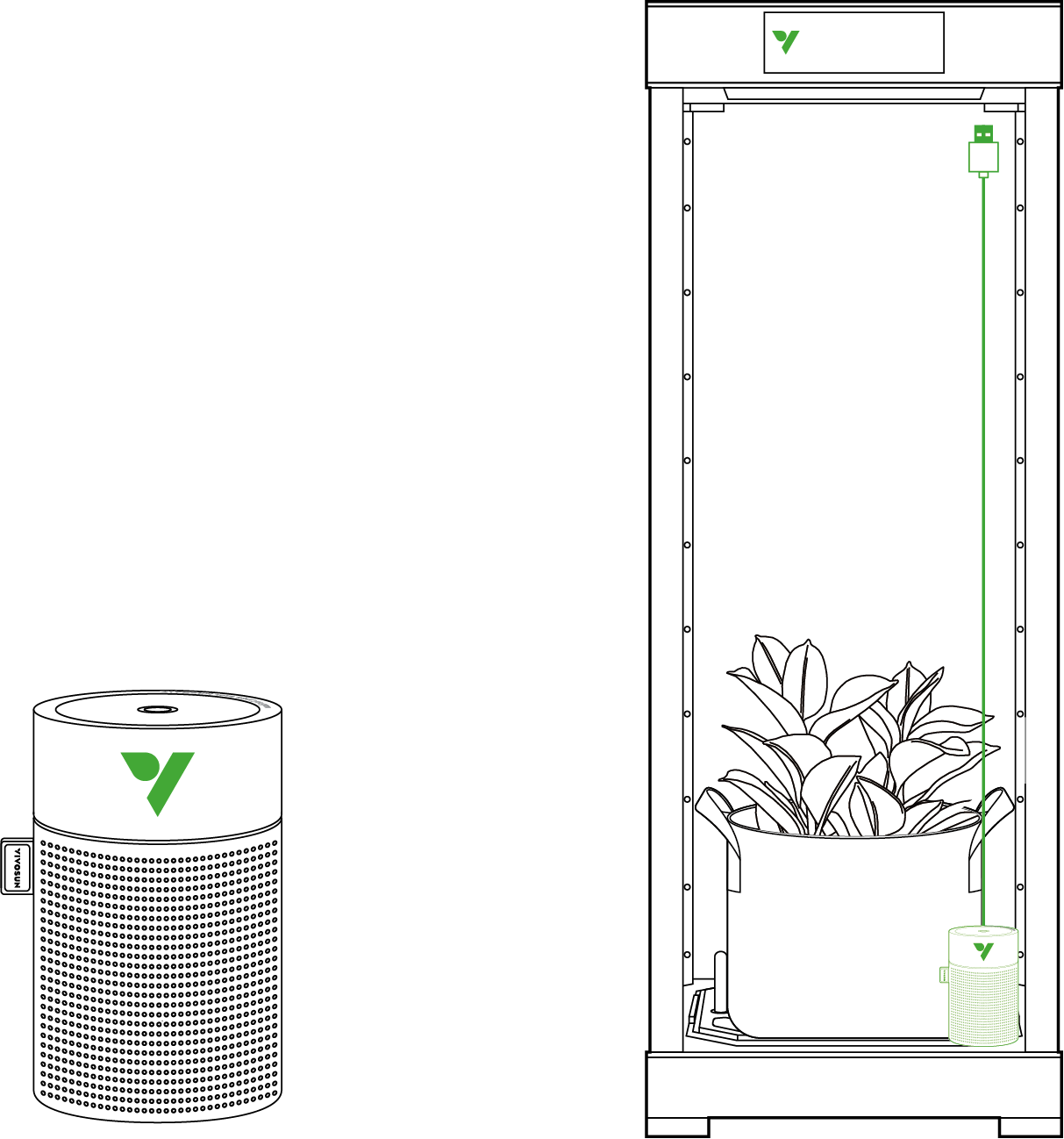
Once you plug the USB-Type C cord into the humidifier’s port, it should automatically turn on and start working. If not, press the Power Button for 3 seconds to power it on manually.
Notice : Ensure that the cotton wick is fully saturated with water before use.
MAINTENANCE
COTTON WICK REPLACEMENT
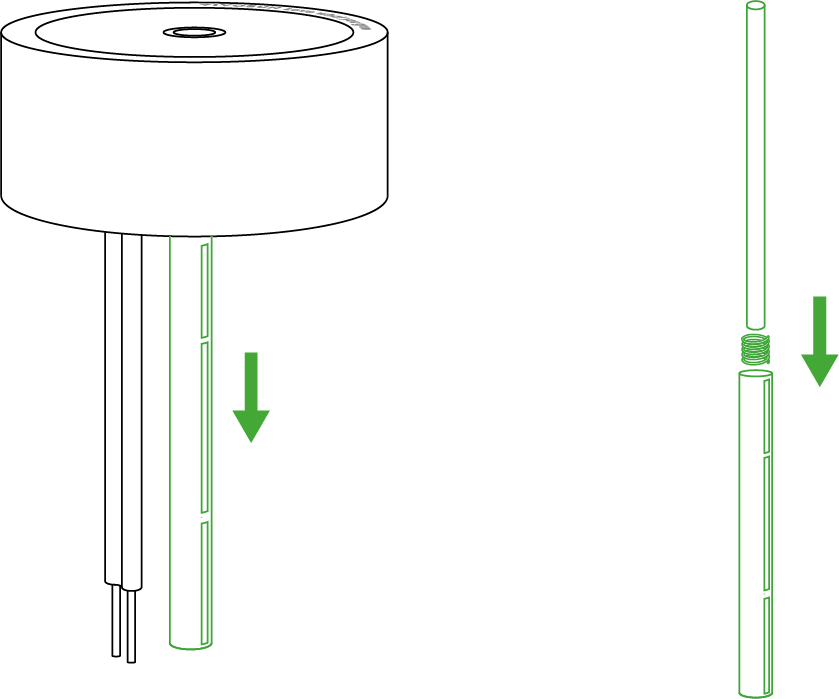
Remove the wick tube and replace the wick (be mindful of the spring at the bottom).
The lifespan of your cotton wick depends on how often you use your humidifier. If it becomes discolored or yellowed, then it needs to be replaced. It’s recommended to replace it at the end of each season.
Warranty
VIVOSUN offers a 2-year limited warranty on this product purchased directly from us or our authorized dealers, beginning on the original date of purchase.
This warranty is provided in addition to, and does not affect, your statutory rights under applicable consumer protection laws in the country where the product was purchased.
For the full Warranty Policy, please visit: https://www.vivosun.com/help/warranty-policy
Alternatively, you may contact customer service at support@vivosun.com / +1 888-505-8486.
Contents

We help you grow your best green.

We provide the highest quality.

We relentlessly pursue the future.

We make growing more enjoyable.

We support every grower.
Sign up and get 8% off your first order
©2026 Vivosun All Rights Reserved